



HOW TO PLAY ELUMIA
Simply follow the
5 steps
below to play Elumia.Legends of Elumia character
You can now play Elumia without owning an NFT! However, owning a Legends of Elumia character NFT Magic Eden
Create an account
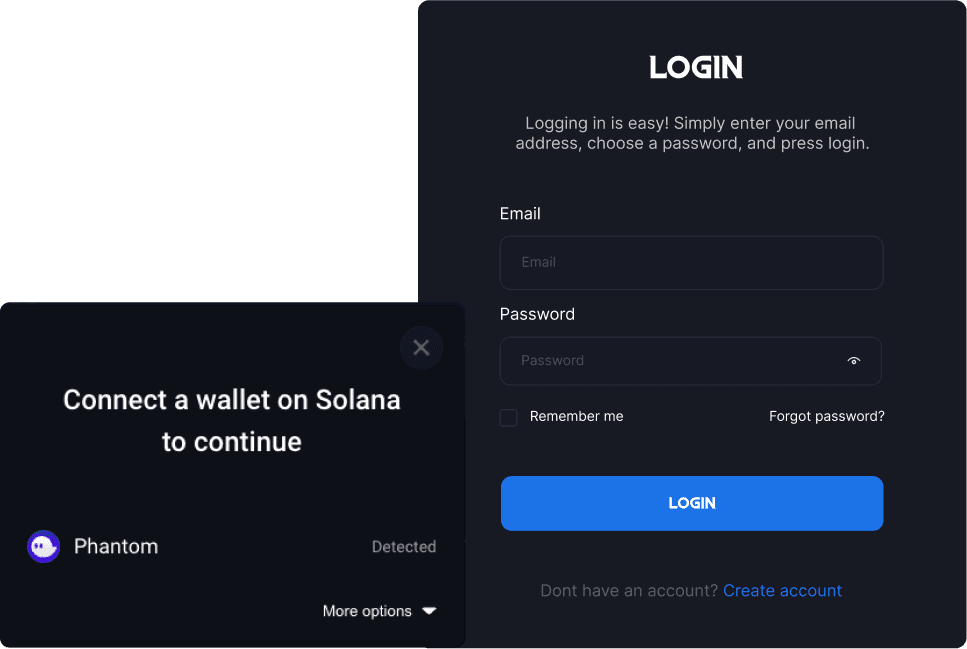
Create an Emporium account with your wallet connected to it. (We recommend Phantom)
If you need to create an account, click
'Login'
in the top right hand corner, and in the pop up window click'Create account'
at the bottom of the pop up box. Fill in all required information and click'Submit'
at the bottom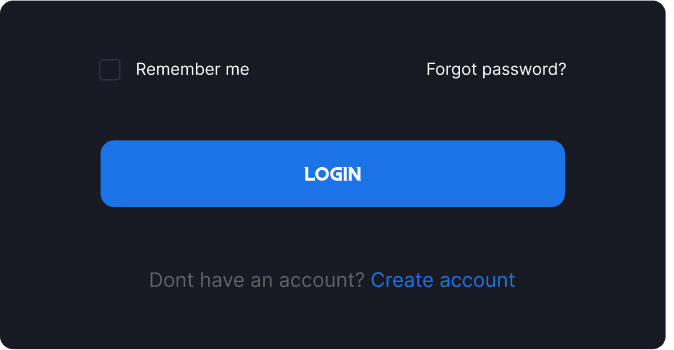
Login & Connect Wallet
NFT Transfer (Optional)
Click on your
username
on the top right hand corner, and go to your inventory. Once there, click'Transfer items to/from game'.
Here you can transfer your character/s into the game.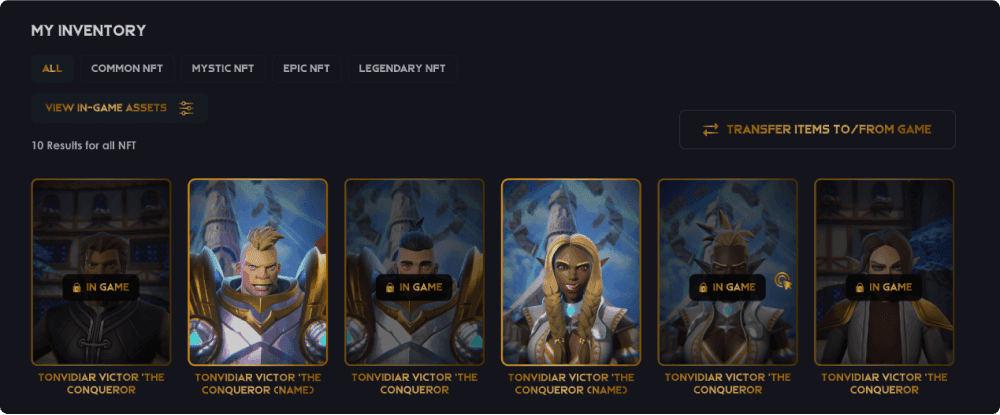



Copyright © 2026. Elumia. All rights reserved.